 NemoClaw
The private key is created inside a dedicated security element and does not leave it.
Hardware wallet
The key stays in the metal.
NemoClaw is a palm-sized hardware wallet. A private key is created in the chip, the screen shows what you are about to sign, and nothing happens until a physical button is pressed.
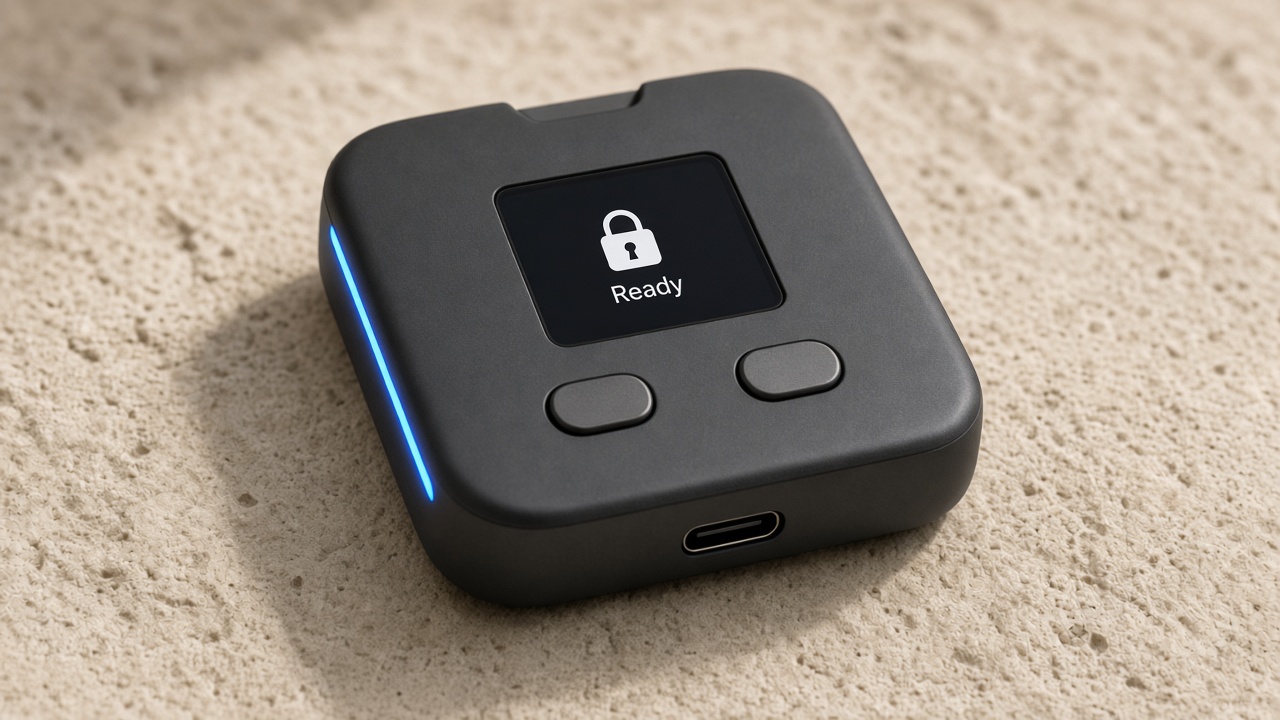
On the deviceReady
Advantages
Why the key lives on the device.
A laptop is a convenient place to prepare a request. It is a poor place to keep the key. NemoClaw separates the two.
You read the request on the device itself. A browser tab is not the display you trust.
Two physical controls. One approves what the screen shows. The other dismisses it.
The code is chosen and entered on the device, not on a website.
The spare phrase appears once on the screen, so it can be written down and kept offline.
A rounded graphite square with USB-C, small enough to pick up and check.
A computer you already control can prepare a request. It never receives the private key.
The chip can derive keys for public networks, including Bitcoin.
A signature
Three moves. The key stays put.
Prepare
A computer you already control builds a signature request. The private key is not on that computer.
Read
The request appears on the NemoClaw screen. You check it there, not in the browser that asked for it.
Press
One button approves. The other dismisses. The chip signs inside the shell, and the key stays there.
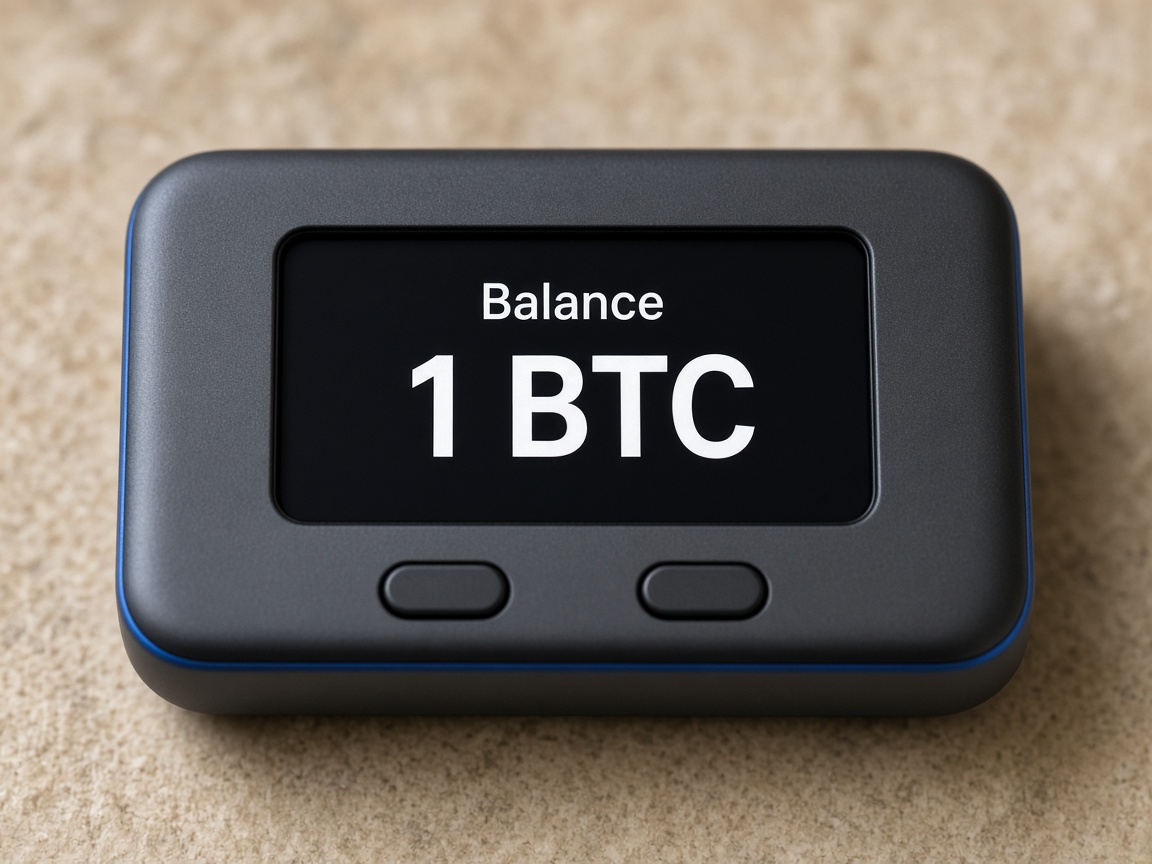
On the device
A screen you can hold.
The home view sits on the hardware, next to the chip. When a signature is requested, that same glass is where you check it, then press.
On the object
What you can point to.
Rounded square, matte graphite, small enough for a palm.
Shows the home view and the details of anything you are about to sign.
Two physical controls. Approve on one, dismiss on the other.
A dedicated security element keeps the private key.
Take part
See the device up close.
Leave a name and an email for the showing. People on the list hear the time first, get the device walkthrough, and can write [email protected] with their name already attached.